Memory Keeping
How to organize childhood memories for multiple children (without doubling the work)
A simple system for organizing photos, quotes and childhood memories for multiple children—without keeping separate journals or doubling your work.
Keeping memories for one child sounds lovely. Keeping memories for two or three can begin to feel like you have accidentally accepted a part-time job as the family archivist.
One child has a beautiful first-year book. The second has several photos and a note containing their birth weight. The third is extremely well documented in group photographs, although nobody can remember which first word was theirs.
This is not evidence that you love your children in descending order. It is evidence that life became busier.
The answer is not to maintain a perfect journal for every child. It is to create one easy capture system, identify the child or children in each memory, and separate things only when you want to look back.
The short answer
To organize childhood memories for multiple children:
- Capture everything in one place.
- Assign each memory to the child whose story it mainly tells, then tag shared sibling moments consistently.
- Save the date so you can see each child's age when it happened.
- Use a few consistent memory types or tags.
- Review and curate later instead of organizing every entry perfectly now.
That is the whole system. The rest of this guide is about making it easy enough to keep using.
If you were hoping for a colour-coded archival method involving twelve folders and a label maker, this may be disappointing. It is, however, much more likely to survive an ordinary Wednesday.
Why separate journals often fail
The obvious approach is to create one notebook, folder, album, or document for each child. It looks beautifully organized on day one. Then an ordinary family moment happens.
Your older child teaches the younger one to ride a bicycle. Is that the older child's memory, the younger child's, or both? You take a photo on your phone, write the funny quote in WhatsApp, and promise yourself you will sort it out later.
Later is where family memories go to become archaeological evidence.
Separate storage also adds a decision before every capture: Where does this belong? That tiny bit of friction matters when you are trying to record a sentence before someone needs water, a snack, a missing sock, or justice over whose turn it is.
A better rule is: capture first, classify lightly, curate later.
Step 1: Choose one family memory inbox
Use one place as the front door for new memories. It could be a dedicated parenting journal, a notes app, a shared document, or even a private chat with yourself.
The tool matters less than the rule: if something is worth keeping, it goes into the same place.
Your inbox should be quick enough for:
- A sentence your child just said
- A strange question from the back seat
- A photo with the story behind it
- A short video or voice note
- A milestone or proud moment
- Something involving two or more siblings
If your system requires choosing a folder, naming a file, fixing the date, and writing a polished paragraph before saving, you do not have a memory system. You have paperwork.
Your child will not pause mid-quote while you complete the paperwork.
Step 2: Choose a primary child for shared moments
Some memories clearly belong to one child. Shared sibling moments are messier. Instead of duplicating the same story everywhere, choose the child whose perspective the entry mainly captures, then use a consistent tag such as Siblings and name the other children in the text.
If your tool supports attaching more than one child to an entry, use it. If it asks you to choose one child, the primary-child rule keeps the decision quick while the shared family timeline preserves the complete story.
And if both children later insist the memory belongs to them, congratulations: you have successfully preserved a sibling argument for future generations.
Some of the best childhood memories are shared: improvised games, elaborate conspiracies, fights that became funny several years later, and the moment an older sibling offered comfort when nobody was watching. A family memory journal should have room for relationships, not only individual milestones.
Step 3: Save the real date—even when you are late
The date is more useful than a long title. It tells you how old each child was and places the memory in the right part of the family timeline.
Capture today's moments today when you can. But do not let an old memory's uncertain date stop you from adding it. Use the exact date if your photo or message provides one. Otherwise, use your best estimate: the month, season, holiday, school year, or age you remember.
An honest “Summer 2024, around age three” is better than leaving the memory stranded in your head because you cannot establish its timestamp beyond reasonable doubt.
Nobody is going to revoke your family-historian licence because the date is approximate. There is no family-historian licence.
This is especially helpful when catching up from your camera roll. Add the story with the original photo date rather than the day you finally found time to write it down.
Step 4: Use fewer categories than you think you need
Parents often design an impressive filing system with 23 folders, then stop using it because deciding between “language development,” “funny saying,” and “unexpected wisdom” takes longer than recording the quote.
Start with four memory types:
- Quotes: Their exact words
- Questions: What they are trying to understand
- Moments: Everyday stories, habits, phases, and relationships
- Milestones: Firsts, achievements, and meaningful changes
Add a small number of tags only when they will help you find something later. Useful examples include School, Siblings, Grandparents, Travel, Noteworthy, and For Book.
The test is simple: can you choose the category in two seconds? If not, the system is too complicated.
You should not be standing in the kitchen debating whether a sentence qualifies as a “quote” or a “language-development observation” while something on the stove makes an alarming noise.
Step 5: Keep one combined timeline and separate views
A combined family timeline is useful because that is how life happens. You can see the baby taking first steps beside the older child's first school play and the Saturday when everyone built a blanket fort.
Real family life is overlapping. One child is reaching a milestone while another is in the background wearing one sock and objecting to the concept of lunch.
But you should also be able to filter the timeline to one child. That gives you the best of both approaches:
- One place to capture and browse family life
- A clean individual story for each child
This becomes especially valuable when you want to make a birthday keepsake, find every dinosaur phase entry, or answer the dangerous question, “Did you write down as much about me?”
What about fairness between siblings?
Do not turn memory keeping into a scorecard.
One child may generate a steady stream of quotable material. Another may have fewer funny lines but more stories about projects, friendships, music, sport, or quiet acts of kindness. Equal numbers do not create equally meaningful records.
Children do not produce memories on an equal schedule. One may narrate every thought aloud. Another may quietly dismantle a household object and leave you to discover the story yourself.
A gentle monthly check is enough. Filter by each child and ask:
- Have I saved anything about them recently?
- Is their personality visible, or only their achievements?
- Have I recorded ordinary life as well as big milestones?
- Is there a recent memory in their own words or voice?
If one timeline looks thin, add one true moment. Do not manufacture seven entries to restore statistical balance before bedtime.
A five-minute weekly routine
Once a week, open your memory inbox and do three things:
- Add one moment you nearly forgot.
- Check that each entry is attached to the right child or children.
- Mark one especially good memory as a favourite or
For Book.
That is enough. You do not need to complete a weekly report for every child. Over a year, even one or two good entries a week becomes a rich record of family life.
If you have fallen months or years behind, use the same routine with old photos. Choose one month from your camera roll, select a photo that still carries a story, and write two sentences about what was happening. Stop after five minutes. You are building a journal, not clearing a backlog before an audit.
A simple example
Imagine you have two children, Aarav, age seven, and Meera, age four.
At breakfast, Meera asks why cereal does not count as soup. Aarav offers a lengthy legal argument in support of her position.
You could save it like this:
12 September 2026 — Question — Meera
Meera asked, “Why isn't cereal soup?” Aarav argued that it contains liquid, ingredients, and a bowl, so the family has been denying the truth about breakfast for years.
Tags: Siblings, Funny, For Book
Save the entry under Meera because the question began with her, then use the Siblings tag and include Aarav's role in the story. It still appears in the combined family timeline without requiring a duplicate entry.
How Kiddings handles memories for multiple children
Kiddings is built around one family timeline with a profile for each child, so you do not have to maintain a small private museum for every member of the household. When you save a quote, question, moment, or milestone, you choose the right child and can backdate older memories. Each entry keeps the child's age at the time.
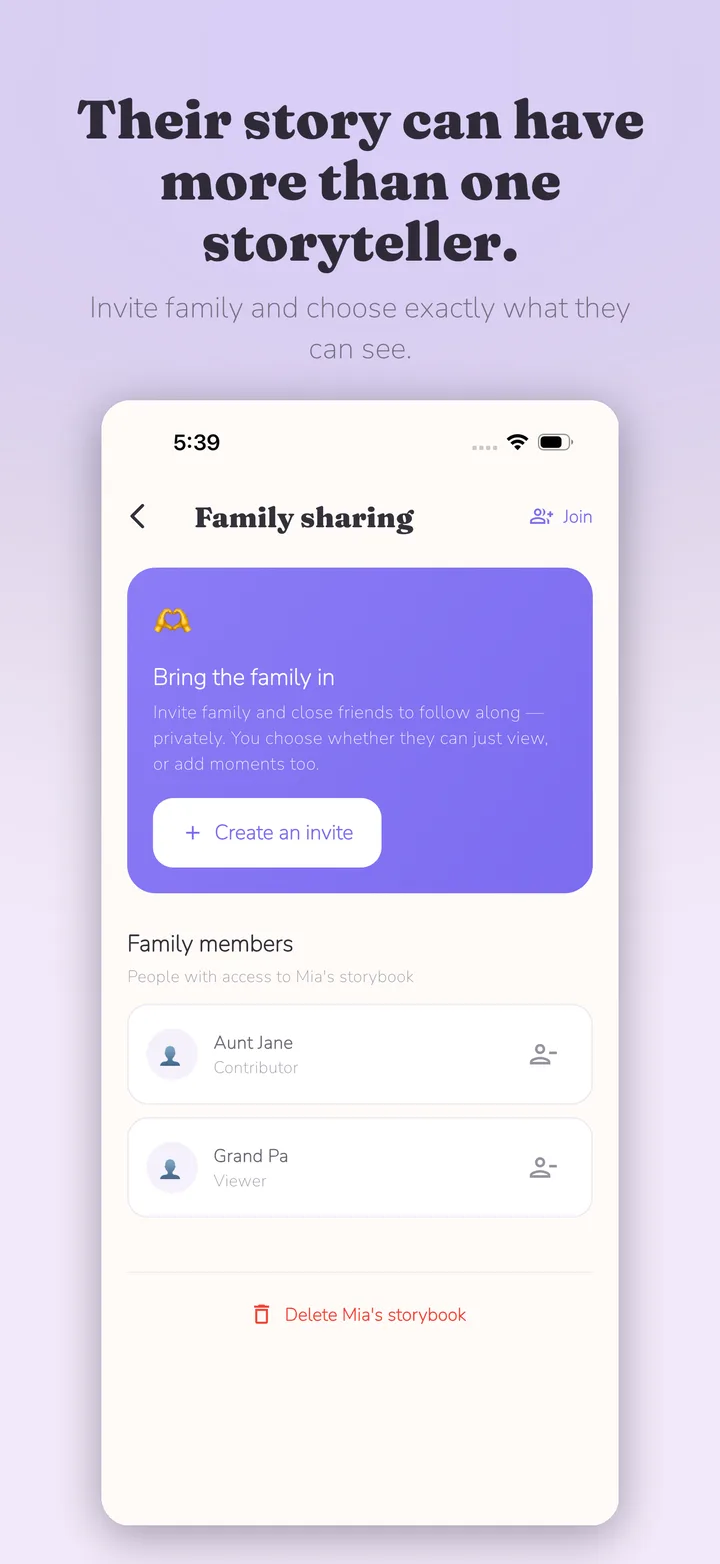
You can browse everyone's moments together or filter the timeline to one child. Search, favourites, and tags such as Noteworthy, For Book, and Share with Family help you find and curate memories later. You can also add photos, videos, and voice notes, invite selected family members, and export chosen memories as a print-ready PDF keepsake.
Kiddings is private by design, has no public feed, and is ad-free. It is available on the App Store and Google Play.
If you are deciding what kinds of moments belong in the journal, start with 20 things to record about your child before they grow up. If time is the real problem, read How to keep a parenting journal when you have absolutely no time. And if grandparents or relatives will join in, see How to share childhood memories with family—without making them public.
Frequently asked questions
Should I keep a separate memory book for each child?
Not necessarily. A single capture system with individual child profiles or consistent name tags is usually easier to maintain. You can still create a separate view or keepsake for each child later.
What should I do with memories involving siblings?
Choose the child whose perspective the memory mainly captures, mention the other children in the text, and use a consistent Siblings tag. If your tool supports attaching several children to one entry, attach everyone involved. Avoid duplicating the same story unless you genuinely want to preserve two different perspectives.
How can I catch up on years of unsorted memories?
Do not try to process everything. Pick one month or event from your camera roll, choose a few photos that still have a story, and add short notes with the original dates. Repeat for five minutes a week.
How do I make sure I record memories fairly for each child?
Review each child's timeline once a month, but do not aim for identical entry counts. Look for a meaningful mix of their words, interests, relationships, ordinary routines, and proud moments.
What is the easiest way to organize kids' photos and stories together?
Use one timeline that accepts both text-only memories and media. Assign each entry to a child, preserve the original date, and use a small set of searchable tags. Capture first and curate later.
Start with one shared moment
You do not need to repair every incomplete baby book this weekend. Save one moment involving your children today. Add the date, attach the right names, and move on with family life.
The archive becomes meaningful because you kept returning to it—not because it was perfectly balanced from the beginning.

Start with one moment today.
Kiddings is a private, ad-free storybook for your child’s words and little moments.